
Now in Strategic Portfolio: Tag Filtering and the View-Only Drawer

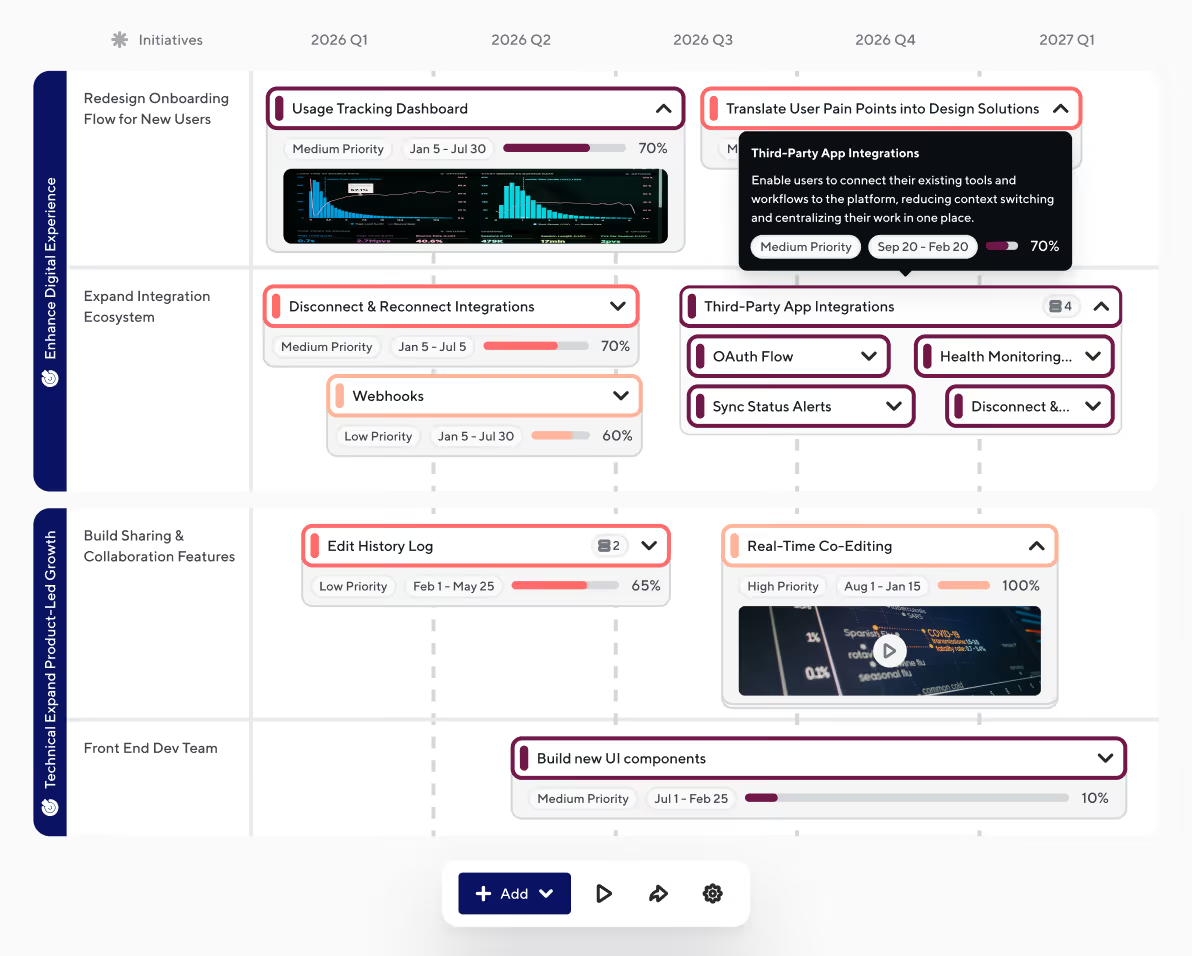
The strategic portfolio is where the big picture lives: multiple products, multiple teams, one view your whole organization can rally around. This week, two updates land that change what the strategic portfolio is good for. On their own, each is a useful addition. Together, they shift the surface from a place you show information to a place where alignment actually happens.
Filter by Tag gives editors precise control over what appears in a portfolio view, using the tagging conventions already applied across their roadmaps. The View-Only Drawer gives stakeholders a self-serve path into the detail behind any deliverable, without leaving the portfolio. Same surface, more control for everyone who uses it.
This is the start. More is coming over the next few months as the strategic portfolio continues to evolve.
What's Included
- Filter by Tag: Tags are now available as a data category in the Strategic Portfolio Editor's Display data tab, alongside Roadmaps, Objectives, Initiatives, and Custom Dropdown Fields. Layer tag filters with other categories to fine-tune what appears in the portfolio, or keep it simple. Tags already applied to your bars are available immediately, no special setup required.
- View-Only Drawer: A read-only side drawer that opens when viewers or editors click any bar or container, surfacing key fields, linked resources, and integration connections across three tabs (General, Integrations, and Resources). Editors can click the edit pencil icon to jump to the source roadmap. Drawer respects the source roadmap's sharing permissions; empty fields are hidden automatically.
Coming Up Next
- Editable Drawer: edit deliverables directly from the strategic portfolio
- Containers and Bars at the portfolio level: visual breakdown of work, in place
- List View and Table View: pivot the layout to match the audience
For additional guidance and setup instructions, visit our Support Center.
Ready to build with confidence?


.svg)