
Search for a Bar or Container to Add to Your Launch Checklist
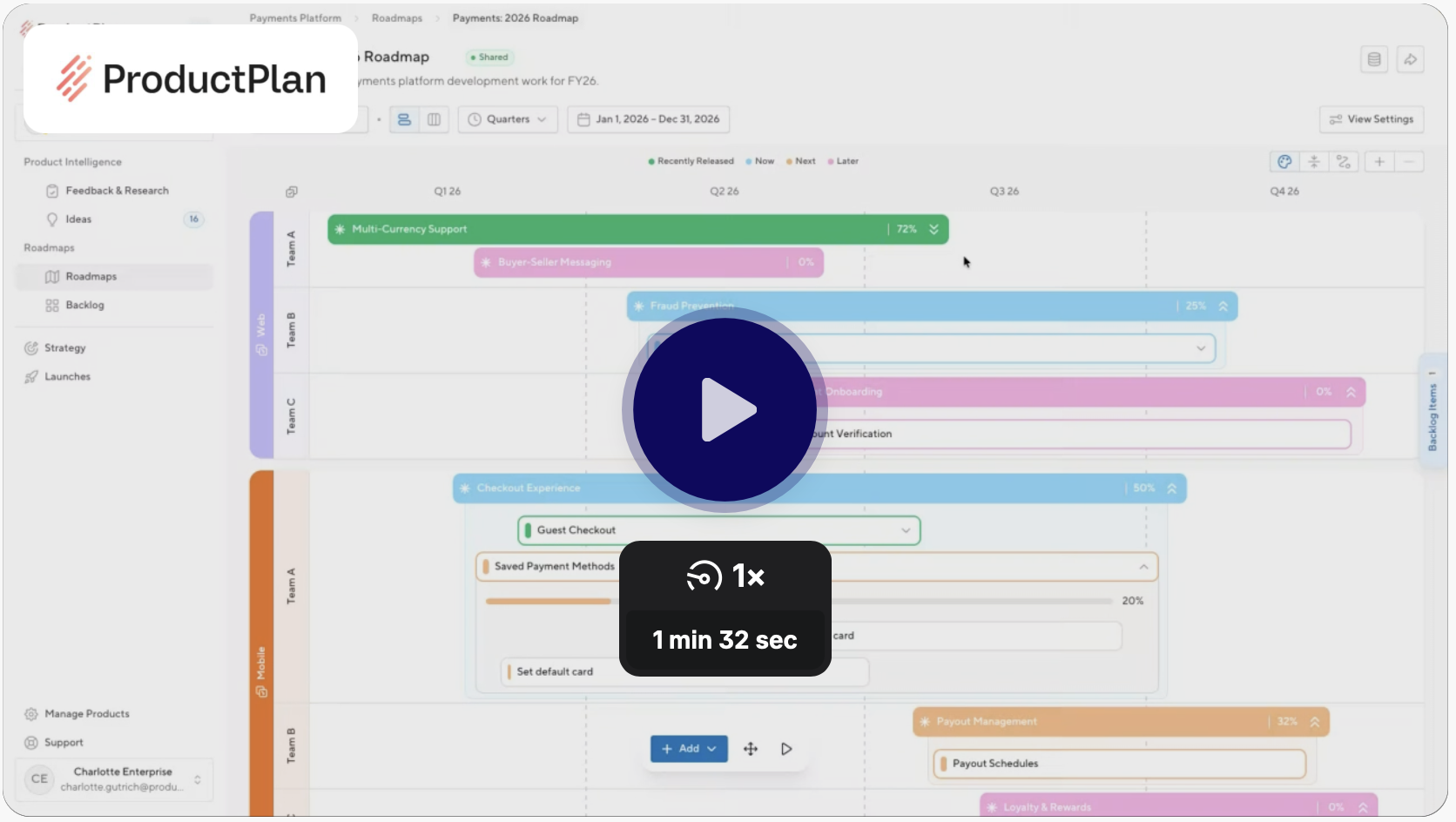
As a product manager, you are busy and often juggling multiple products/projects at one time. As such, it can be difficult to remember the exact name of a bar or container included in your roadmap. So when you want to add those bars or containers to a launch checklist, it’s overwhelming to see all the possible bars and containers available across all roadmaps. To help you search more efficiently, we have created a feature selector that will allow you to narrow your search results.
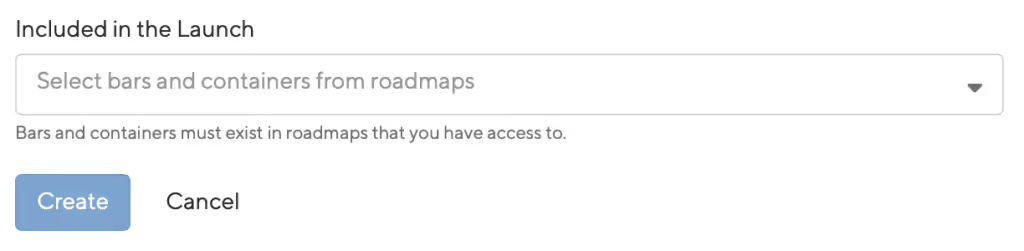
How does it work?
Instead of simply searching broadly for a bar or container that you can’t quite remember the name of, you now have the option to narrow your search by selecting one of the following:
- Bars and Containers
- Roadmaps
After you select one of these options, a multi-select dropdown list will appear with the associated bars and containers either across all roadmaps or by a specific roadmap (if selected). The bar(s) or Container(s) selected will be added to your launch checklist after you select, “Done”.
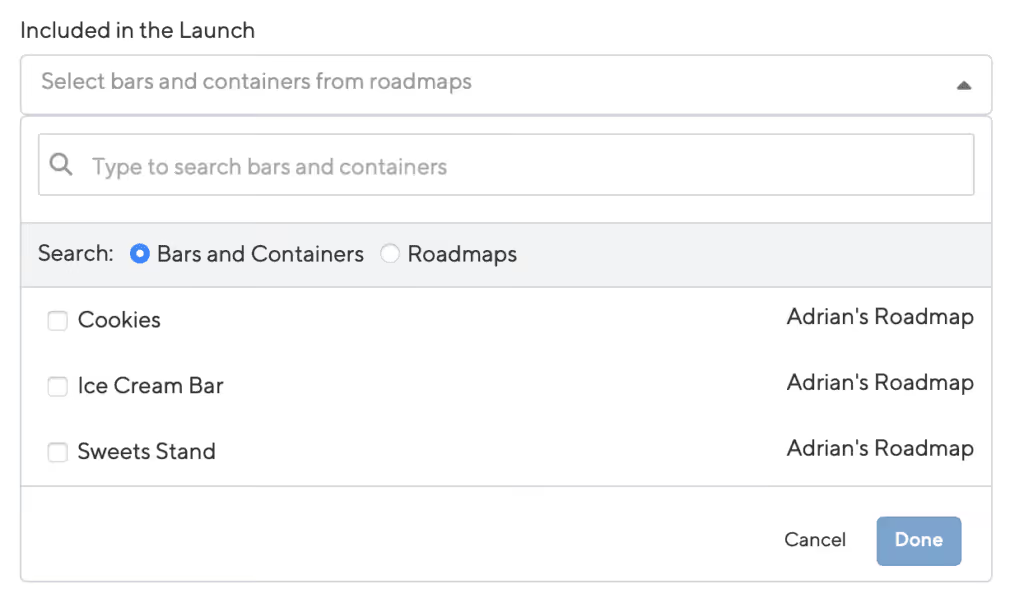
By selecting a roadmap prior to selecting bars and containers it will help eliminate your search time and reduce the burden on the launch manager.
Other Enhancements:
- Filter button: In the launch checklist, we have updated the styling of the ‘Filter’ button
- Email Call to Action: An email notification is sent to a task owner in a launch. We have now included a ‘View in Launch Management’ button to link to the launch the task is included in.
Ready to build with confidence?


.svg)