
Now in Strategic Portfolio: Expand Containers to See the Work Inside
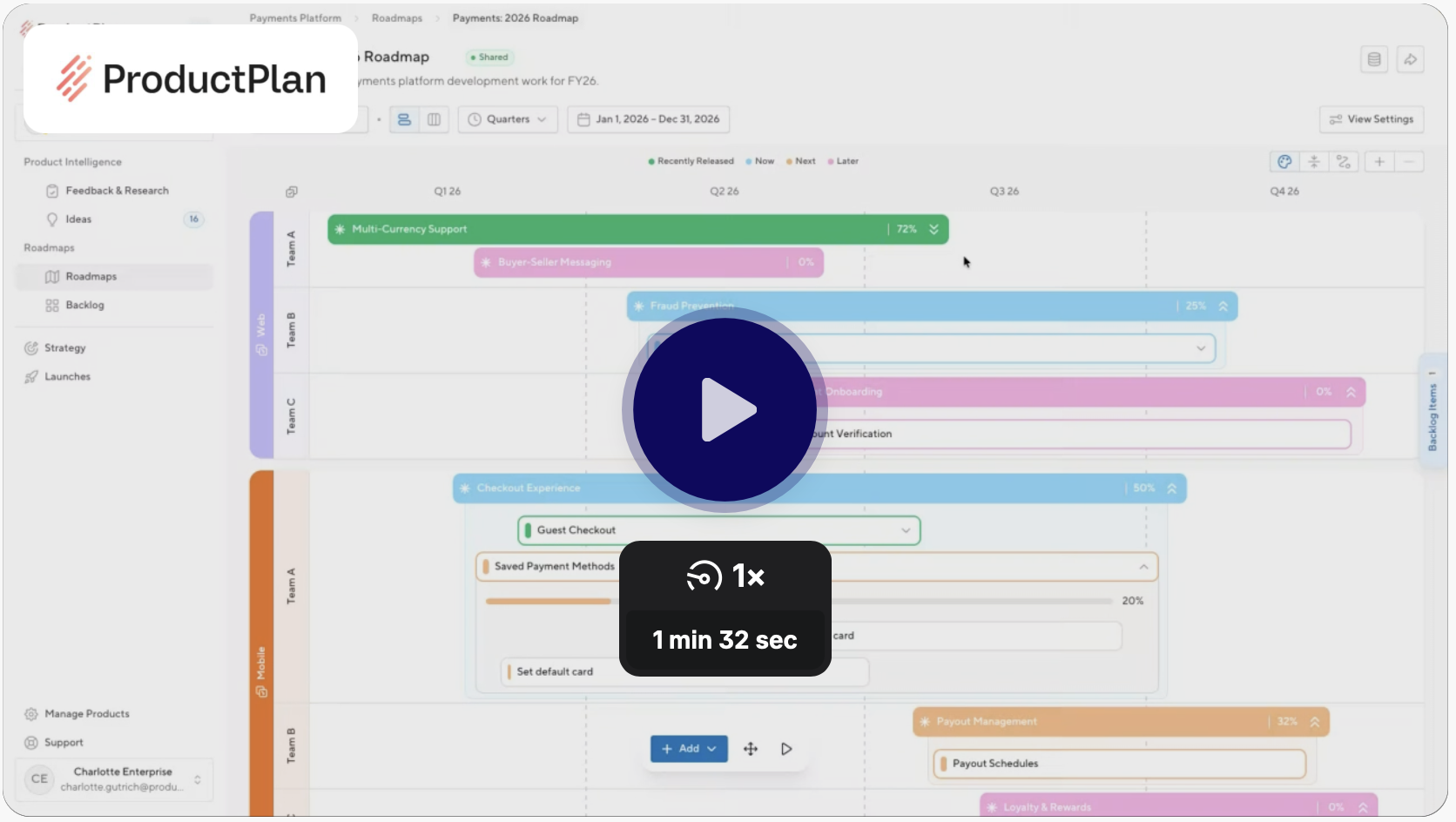
The strategic portfolio is built for the big picture — but the big picture has always needed a way to zoom in. Containers give structure to work across roadmaps, grouping deliverables under a single element that stakeholders can orient around. What they couldn't do — until now — was see what lived inside one without leaving the portfolio view entirely.
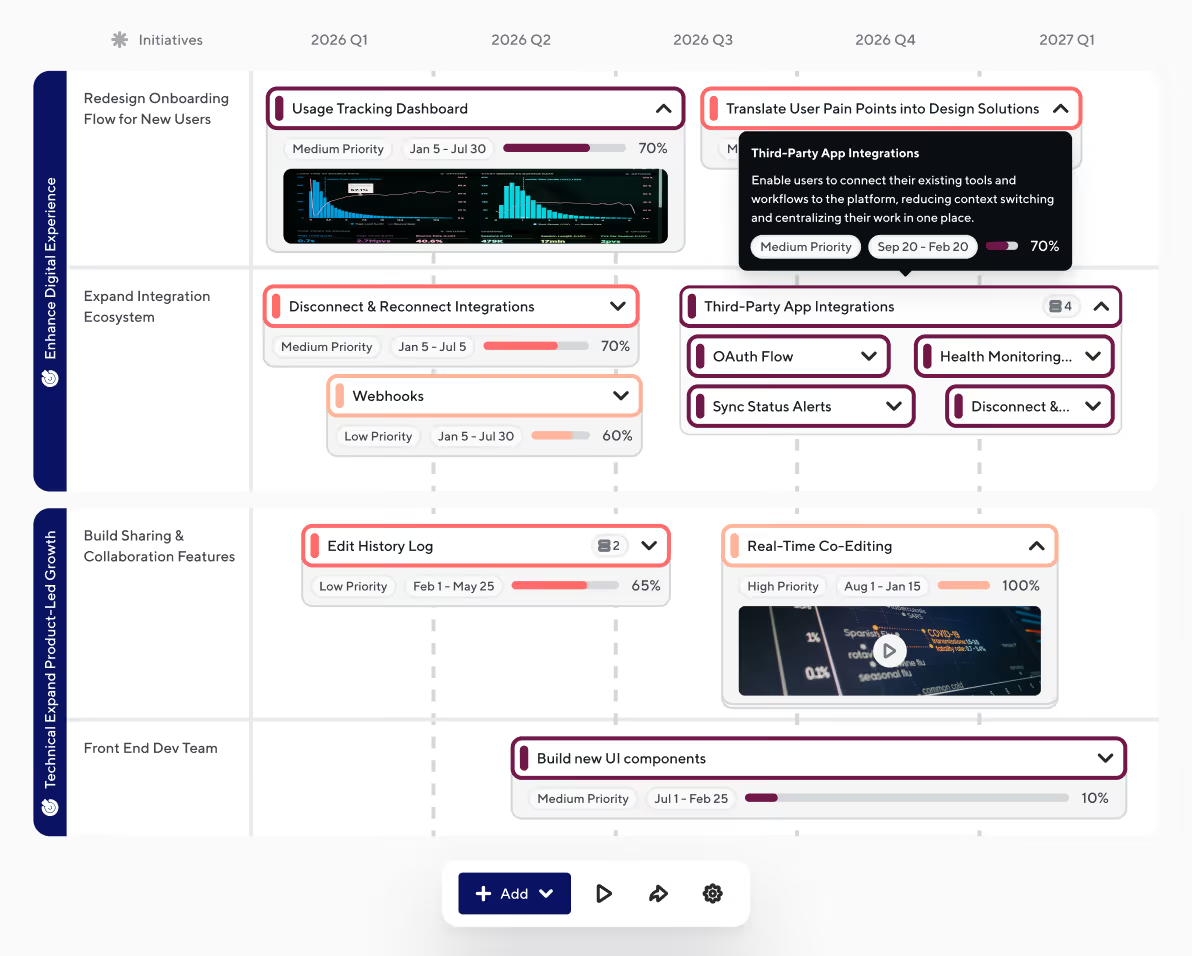
Today that changes. Editors and viewers can now expand any container on the Strategic Portfolio to reveal the child bars nested inside, directly on the timeline. A chevron on each container toggles its children open; a global toggle in the roadmap header expands or collapses everything at once. Child bars appear in their correct lane and sublane, with clear visual cues when assignments differ. The portfolio stays the portfolio — you just get more of it when you need it.
WHAT'S INCLUDED
Child Bar Count Badge
Each container displays a numeric badge on its icon reflecting how many child bars are currently visible on the timeline in that lane and sublane. Bars hidden by active filters are not counted — the number reflects what you can actually see.
Expand / Collapse per Container
A chevron control on each container lets you expand or collapse its child bars inline on the timeline. Click the chevron to reveal nested bars; click again to hide them. Clicking the container bar itself (outside the chevron) opens the detail drawer.
Global Toggle
A toggle in the roadmap header expands or collapses all containers across the entire view at once. Off by default — so your initial view stays clean until you're ready to drill in.
Lane-Aware Child Bar Placement
Child bars appear in their correct groupings when they share the same assignment as their parent container. When assignments differ, the child bar appears in its own assigned group and secondary group with the parent container rendered in a ghosted style to preserve the visual hierarchy.
Detail Drawer for Bars and Containers
Click any bar or container (outside the chevron) to open the read-only detail drawer — consistent with the drawer behavior already available on Strategic Portfolio, and respecting the source roadmap's sharing permissions
Ready to build with confidence?


.svg)